
Building a budget-friendly PC doesn't mean sacrificing performance or functionality. With careful planning and smart component choices, you can assemble a capable computer without breaking the bank. In this article, we'll guide you through the process of building the most affordable PC while ensuring it meets your basic computing needs.
Step 1: Define Your Needs
Before diving into the components, determine what you intend to use the PC for. Are you building a basic office computer, a multimedia center, or a low-end gaming rig? Your requirements will dictate the components you'll need.
Step 2: Set a Budget
Decide how much you're willing to spend on your budget PC. Having a clear budget will help you make informed decisions throughout the process and prevent overspending.
Step 3: Choose the Right Components
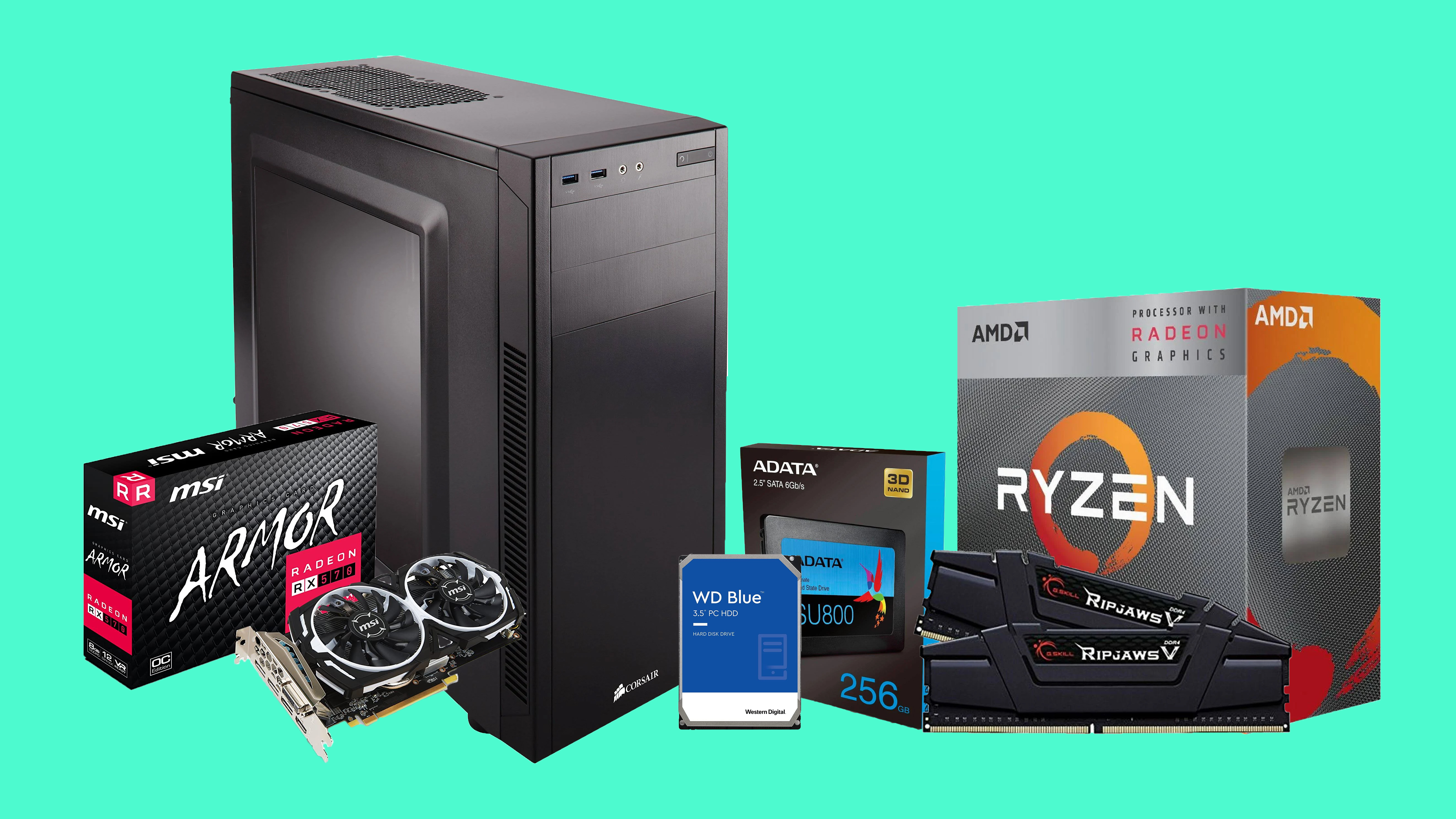
Processor (CPU): Look for budget-friendly processors from AMD or Intel, often labeled as "APUs" (Accelerated Processing Units). These offer decent performance for everyday tasks.
Motherboard: Select a compatible motherboard with the necessary features. Avoid extravagant options with features you won't use.
Memory (RAM): 8GB of RAM is typically sufficient for most tasks. If possible, opt for dual-channel memory (2x4GB) for improved performance.
Storage: Choose a modest SSD (Solid State Drive) for the OS and essential applications to enhance overall system responsiveness. Pair it with a larger, more affordable HDD (Hard Disk Drive) for data storage.
Graphics Card (GPU): If you're not gaming or working with graphics-intensive applications, consider CPUs with integrated graphics to save money.
Power Supply Unit (PSU): Select a reliable and efficient power supply with enough wattage for your components. Ensure it's from a reputable manufacturer to prevent potential issues.
Computer Case: Opt for a budget-friendly case that accommodates your components and provides adequate airflow.
Operating System: If you're on a tight budget, consider using free operating systems like Linux distributions or explore student and educational discounts for Windows.
Step 4: Hunt for Deals
Keep an eye on sales, promotions, and bundle deals when purchasing components. Online retailers, local electronics stores, and PC hardware forums often offer discounts that can significantly reduce your costs.
Step 5: Assemble Your PC
If you're comfortable with building a PC yourself, assemble your components. Follow the instructions in the motherboard and case manuals to ensure everything is connected correctly. Many online resources and video tutorials can guide you through the process if you're a first-time builder.
Step 6: Operating System and Drivers
Once your PC is assembled, install the chosen operating system and necessary drivers. Ensure all components are recognized and functioning correctly.
Step 7: Maintenance and Optimization
Regularly update your operating system and drivers to maintain system security and performance. Consider installing free software for tasks like system cleanup, antivirus protection, and file management.
Building a budget-friendly PC can be a rewarding experience that not only saves you money but also provides a sense of accomplishment. With careful planning, cost-effective component choices, and a willingness to do some research and assembly work, you can create a capable PC that meets your basic computing needs without straining your wallet. Whether you're using it for work, entertainment, or general use, a well-built budget PC can offer reliable performance and functionality for years to come.
Post a Comment